

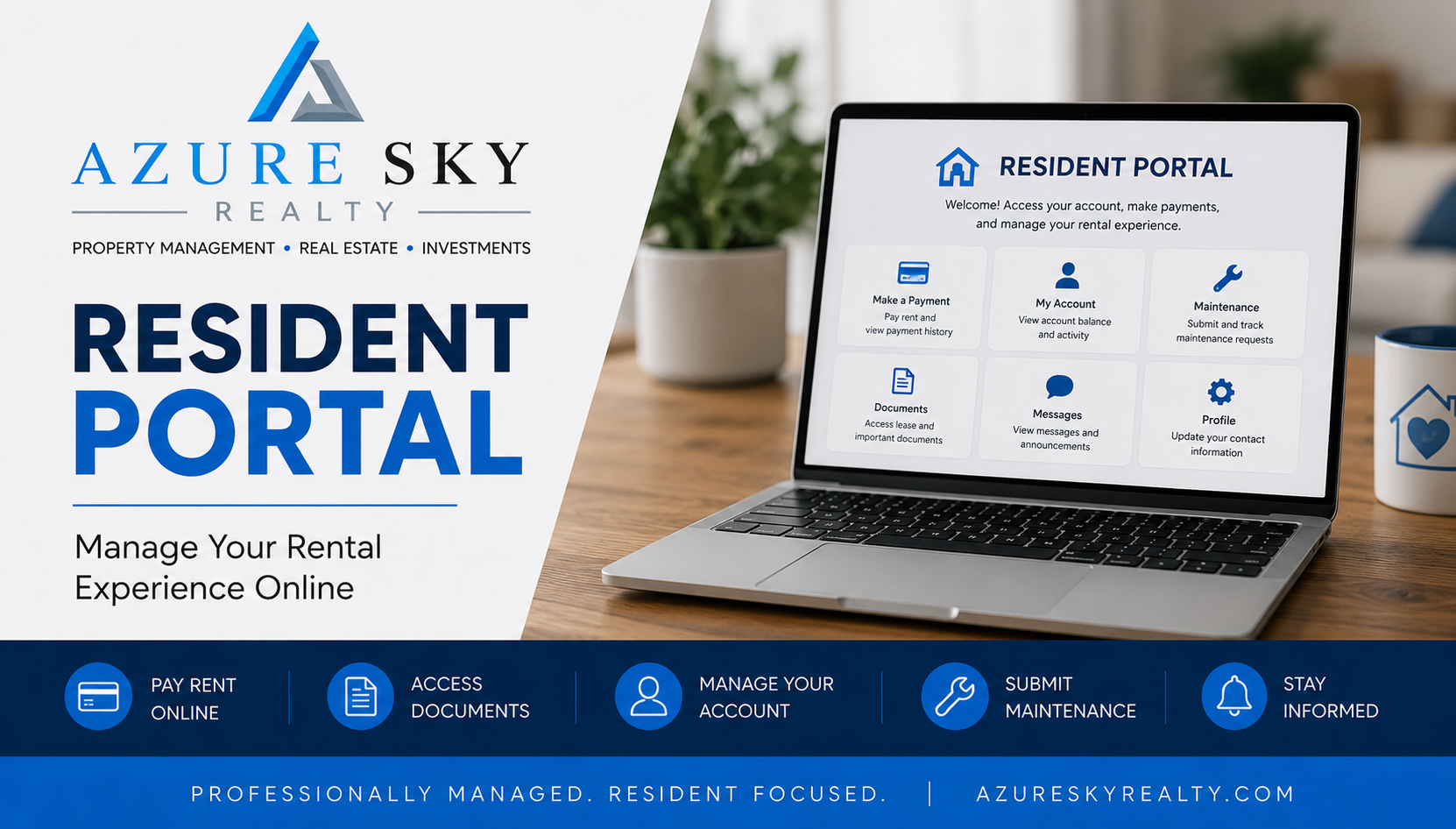
Resident Portal
Manage Your Rental Experience Online
Azure Sky Realty residents can securely access their rental account online through the Resident Portal. View account balances, make rent payments, access lease documents, update account information, and stay connected with your property management team throughout your tenancy.
Resident Portal Features
What Can You Do Through the Resident Portal?
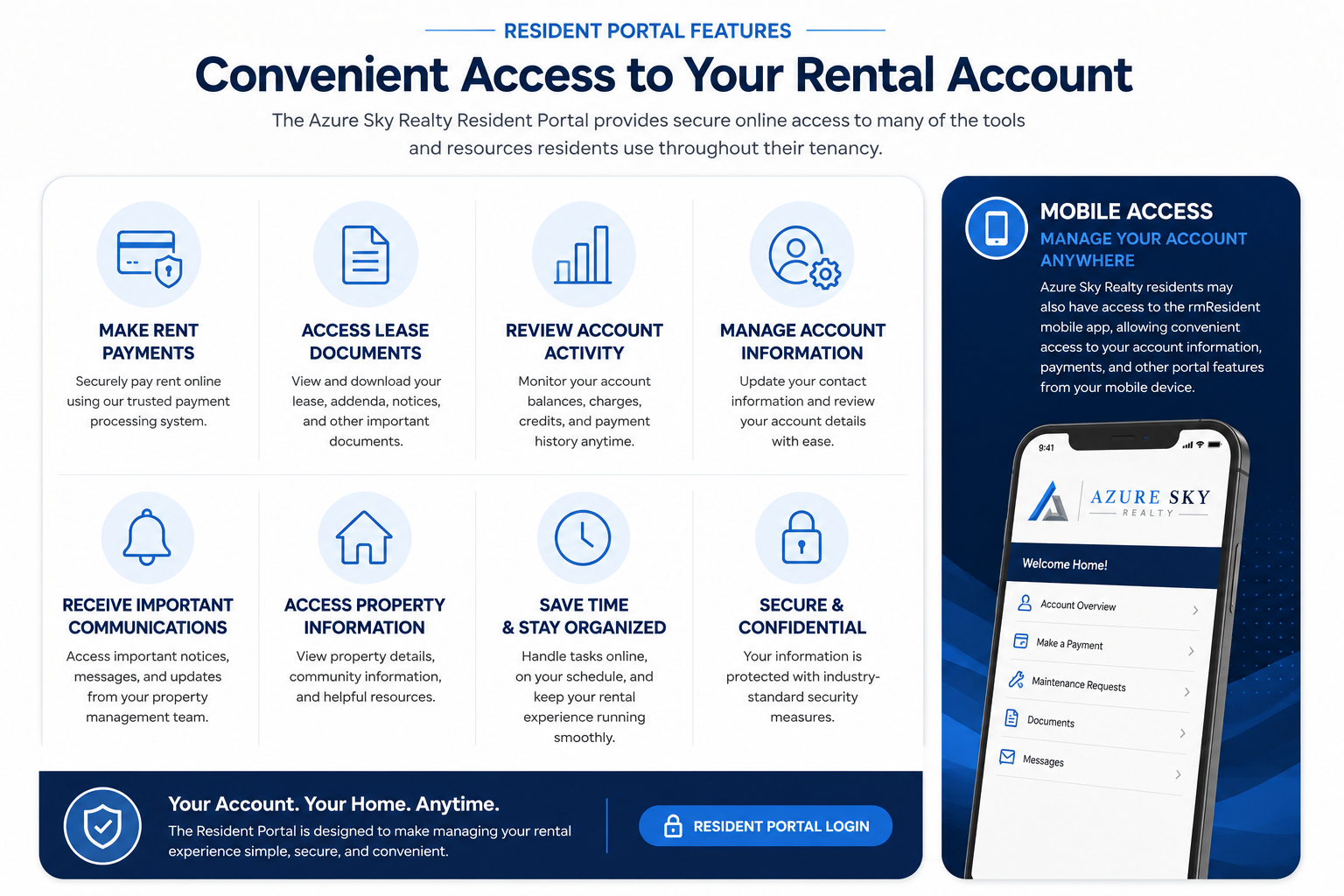
The Azure Sky Realty Resident Portal provides secure online access to many of the tools and resources residents use throughout their tenancy. Residents can conveniently manage payments, review account activity, access important documents, update account information, and stay connected with management from any device.
Review Account Activity: Monitor account balances, charges, credits, and payment history online.
Manage Account Information: Update contact information and review important account details.
Access Lease Documents: View lease agreements, addenda, notices, and other important documents.
Make Rent Payments: Securely pay rent and review payment history online.
Receive Important Communications: Access notices, messages, reminders, and account updates.
Stay Connected: Manage your rental account anytime from your computer or mobile device.
Mobile Access
Manage Your Account Anywhere
The Azure Sky Realty Resident Portal is also available through the rmResident mobile application, allowing residents to access many account features directly from their smartphone or tablet.
Residents may be able to:
✓ View account balances
✓ Make rent payments
✓ Review account activity
✓ Access lease documents
✓ Receive important communications
✓ Stay connected while on the go
Resident Technology Partners
Technology Designed to Improve Your Resident Experience
Azure Sky Realty utilizes several industry-leading technology platforms to help provide secure account access, online payments, maintenance communication, resident benefits, and other services throughout your tenancy. Depending on the services you use, you may receive emails, notifications, or account updates from one or more of these trusted partners.
These trusted partners help make renting more convenient, efficient, and accessible from anywhere.
Resident Portal & Account Management
The Resident Portal is powered by Rent Manager, providing secure access to account information, payment history, lease documents, notices, and important resident communications.
Online Payments
Zego helps facilitate secure electronic rent payments and payment processing through the Resident Portal.
Maintenance Communication
Property Meld streamlines maintenance requests, scheduling, repair updates, and communication between residents, contractors, and Azure Sky Realty.

Pest Control Services
Pest Share helps coordinate eligible pest-related concerns and treatment requests available through the Resident Benefits Package.
Want to Learn More?
Learn more about the technology and service providers that help support the Azure Sky Realty resident experience.
Getting Started
New to the Resident Portal?
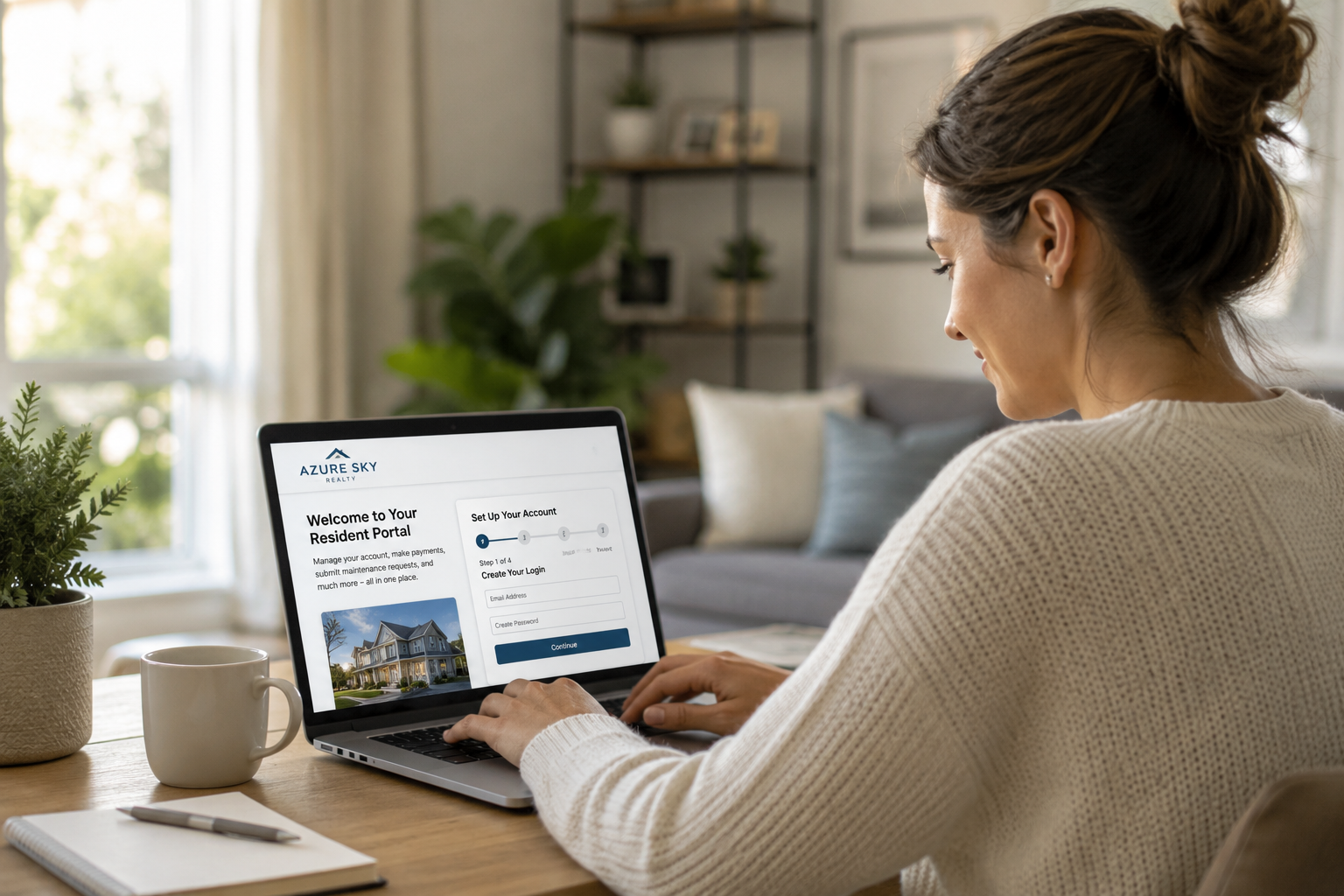
Getting started is simple. Once your lease is approved and your account has been established, you'll receive information to help you access the Resident Portal and begin managing your rental account online.
1. Receive Your Portal Invitation: After your lease has been finalized, Azure Sky Realty will provide instructions for accessing the Resident Portal.
2. Create Your Account: Follow the instructions provided to create your secure Resident Portal account and establish your login credentials.
3. Verify Your Information: Review your contact information and account details to ensure everything is accurate and up to date.
4. Set Up Payment Methods: Add your preferred payment method to make future rent payments convenient and secure.
5. Explore Available Features: Once logged in, you can begin accessing account information, reviewing documents, monitoring account activity, and utilizing available resident services.
Resident Portal
Frequently Asked Questions
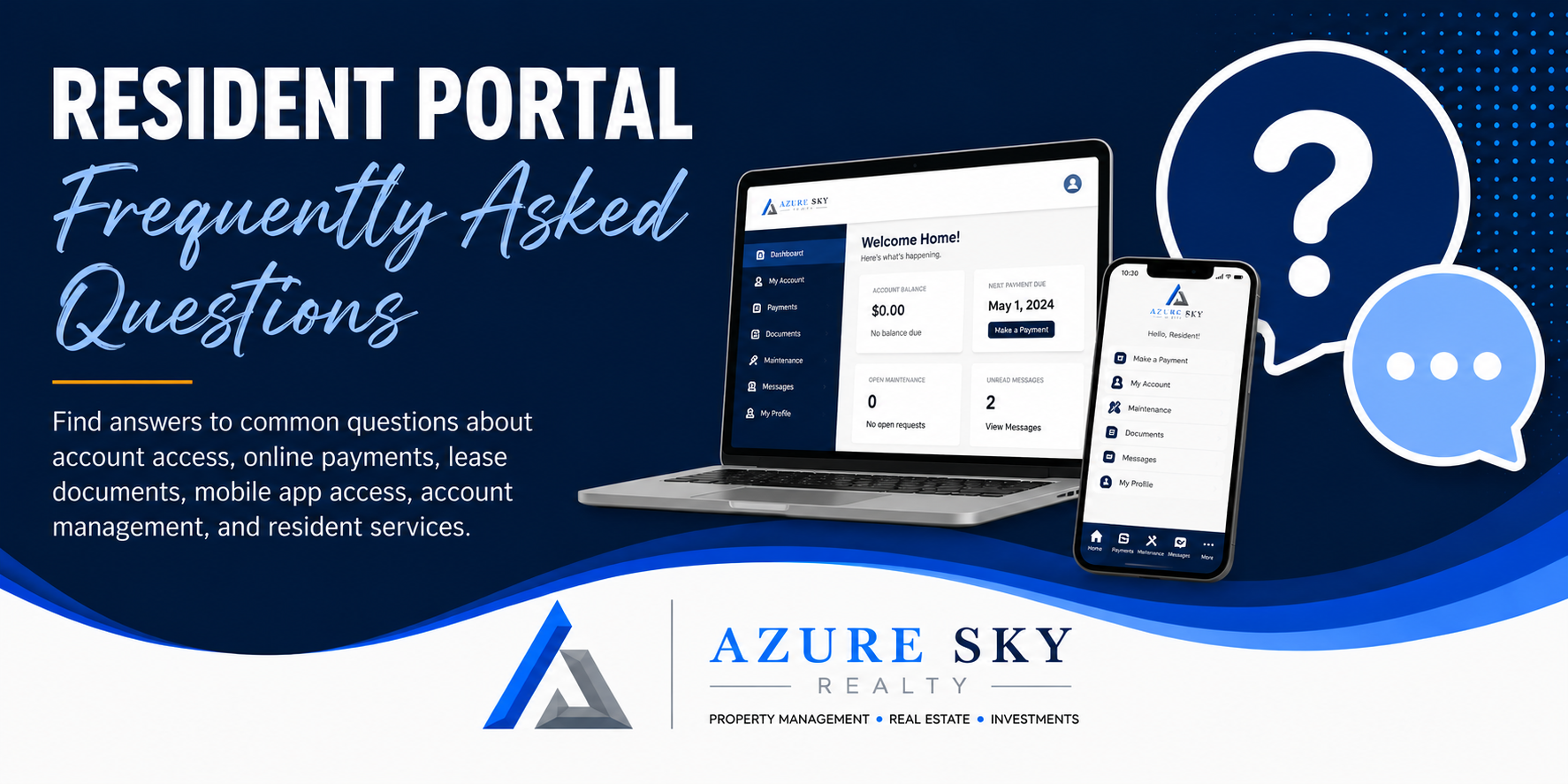
Find answers to common questions about account access, online payments, lease documents, mobile app access, account management, and resident services.
-
Residents can access the Resident Portal using the login information provided by Azure Sky Realty. If you have not received your portal invitation or are unable to locate your login information, please contact our office for assistance.
-
Azure Sky Realty recommends that residents keep their login credentials private and avoid sharing account access with others. The Resident Portal contains sensitive account information, payment records, lease documents, and resident communications.
If multiple leaseholders require access, separate account access should be used when available. Residents are responsible for maintaining the security of their account and protecting their login credentials.
-
Use the password reset option on the Resident Portal login page. If you continue to experience difficulties accessing your account, contact Azure Sky Realty for assistance.
-
Yes. Residents may access many portal features through the rmResident mobile application. The app allows convenient access to account information, payments, documents, and account activity from a mobile device.
-
Yes. Residents may make online payments through the Resident Portal using available payment methods and can review payment history directly within their account.
-
Many lease documents, addenda, notices, statements, and other account-related documents may be available through the Resident Portal for convenient access.
-
Residents should keep phone numbers, email addresses, and emergency contact information current. Contact information may be updated through available portal features or by contacting Azure Sky Realty.
-
Azure Sky Realty utilizes Property Meld for maintenance requests and repair communication. Residents should submit maintenance requests through Property Meld rather than the Resident Portal unless otherwise instructed.
Submit Maintenance Request -
Residents enrolled in the Resident Benefits Package should submit eligible pest-related concerns through Pest Share according to the instructions provided by the program.
-
Azure Sky Realty utilizes several professional technology partners, including Rent Manager, Zego, Property Meld, Pest Share, and other service providers. Depending on the services you use, you may receive communications from these trusted partners regarding your account, maintenance requests, payments, or resident benefits.
-
Residents are encouraged to review their account regularly to monitor balances, payment activity, notices, lease documents, and other important account information.
-
If you are unable to access the Resident Portal after attempting a password reset, please contact Azure Sky Realty. Our team will be happy to assist you with account access issues.
-
The Resident Portal utilizes professional property management technology designed to provide secure access to account information, payments, documents, and resident communications.
-
Electronic payments may require processing time before appearing as completed. Processing times vary depending on the payment method used, weekends, holidays, and banking procedures.
Ready to Access Your Account?
Manage payments, documents, maintenance requests, and more through the Azure Sky Realty Resident Portal.
Related Resident Resources
Whether you're applying for a home, reviewing qualification requirements, understanding pet policies, or learning about resident benefits, the resources below can help.